Blog
Product
How Cogent agents use MCPs to work across your security tools
Understanding whether a vulnerability puts your production systems at risk often means checking several security and cloud tools. Cogent’s agents use Model Context Protocol (MCP) to query those connected systems, gather live context, and answer your question in one conversation.
3 min read



Answering a question about a vulnerability often requires checking multiple systems to understand which assets are affected, whether they’re running in production, and how they’re exposed.
Cogent’s general agent can make those checks by leveraging Model Context Protocol (MCP). MCPs allow the agent to retrieve information from tools connected to your workspace; you describe what you need, and the agent can select the available tools to work through the request.
Here's a look at how that works in Cogent.
Give the agent access to the systems you use
Cogent supports connections across security, cloud infrastructure, and collaboration products, including CrowdStrike, SentinelOne, Wiz, Tenable, AWS, Google Cloud, Azure, ServiceNow, Jira, Slack, and Notion.
Each MCP connection gives an agent several tools, each with a specific job. In the Integrations view, you can see the tools grouped under each connection and their access status, showing whether the tool is healthy or needs attention. For example, our SentinelOne connection includes tools for listing alerts and searching inventory, and all have healthy access status.

Here are a few ways organizations deploy these tools today:
Realtime investigation: Using the agent chat, customers can query their live data using MCPs in order to understand their latest risk and generate accurate remediation advice too.
Reporting: Combine Cogent’s data platform with live details from linked MCPs to build current summaries for your team.
Attack path analysis: Evaluate CVE exploitability to prioritize urgent responses. MCPs verify active firewall rules protecting susceptible hosts or confirm if EDR coverage is active to stop potential threats.
Agent policies: Create automated guidelines for security workflows using connected tools. For instance, the Jira MCP analyzes historical remediation records to suggest reusable operational policies.
Connected tools for every question
Once tools are connected, the general agent can use them throughout conversations. It chooses the tools it needs to find information and build an answer.
The conversation shows the tools the agent called, and you can expand a call to inspect its input. In this example, the agent used CrowdStrike's Search Hosts tool with a limit of one record as part of an availability check.

See how an agent uses a tool
Once the agent chooses a tool, it sends a request. The tool returns a result, which the agent uses to build its answer.
Each call has two parts:
Input: the information the agent sends, such as a search filter or an alert ID.
Output: the information the tool returns for the agent to work with.

Bring connected tools into automations
MCPs also give agents tools to use during an automation run. An agent can retrieve information from a connected product as it works through the automation's task.
For example, you could set up a recurring task that asks an agent to check alerts in a connected tool and prepare a summary. The schedule starts the work, and the agent uses the available tools to gather what it needs.
A gateway for agent tool calls

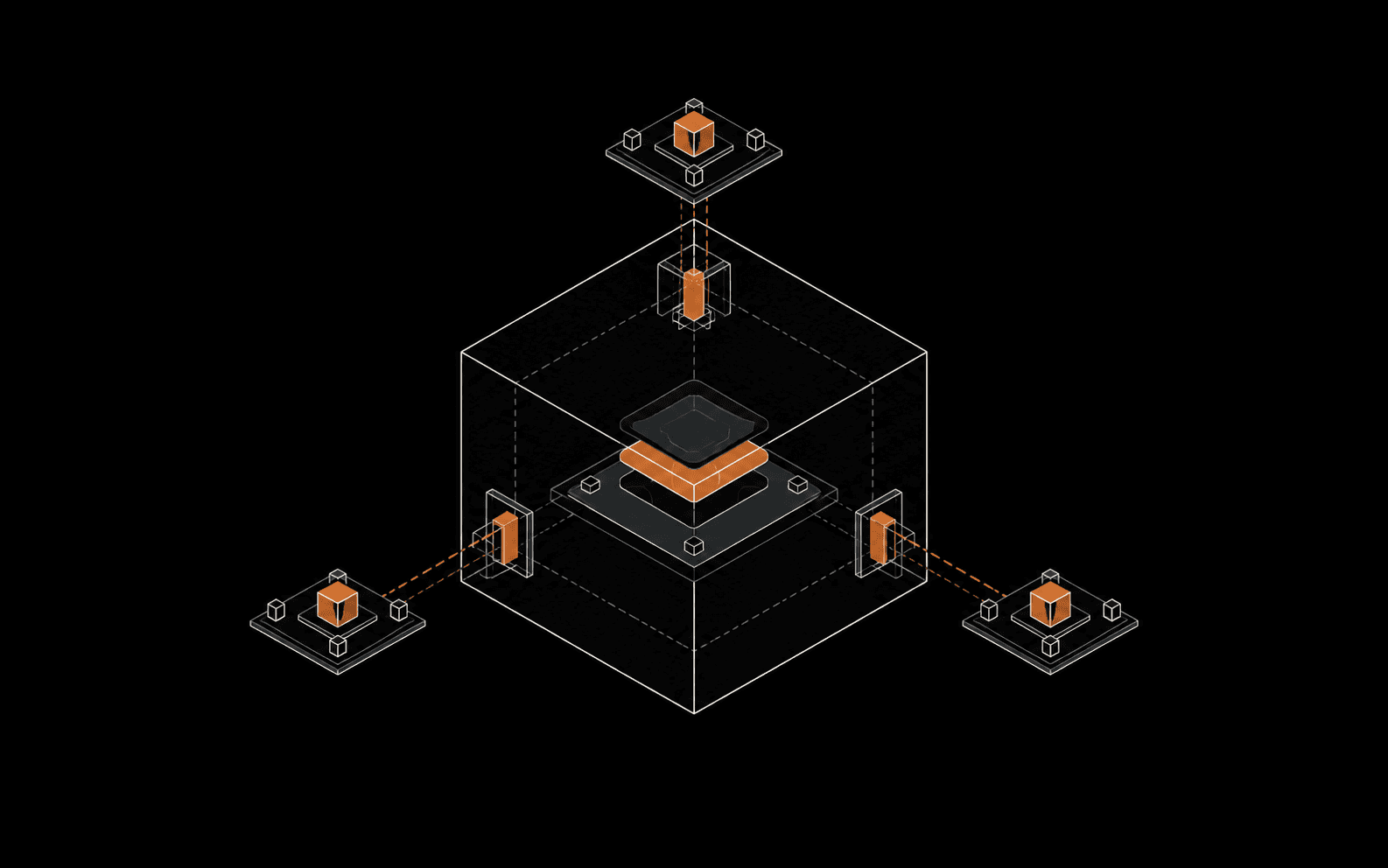
Agent Gateway is already part of how this works at Cogent. It provides a common route between our agents and their MCP tools, so we can manage those connections in one place. More to come on how we built this soon.
Agent identity helps us identify which agent is making a request. That answers who is doing the work; access controls determine what that agent is allowed to do.
What we're working on next
We're continuing to add MCP integrations so agents can work with more of the tools security teams use.
Two areas we're working on next are:
MCP access controls: giving customers more control over which MCPs and tools their agents can use.
Your own MCPs: letting customers add, configure, and update their own MCP connections so agents can support more custom workflows.