Blog
Product
What's New in Cogent: Week of January 12, 2026
Auditors ask for proof of compensating controls. Now you can surface it instantly. Plus: natural language queries across your knowledge base.
2 min read


If you've ever been asked to prove a compensating control exists during an audit, you know the drill. You know the control is in place. You just can't easily show where the data came from or filter your environment down to the specific assets it covers. And building the right query to answer a simple question about your knowledge base still takes longer than it should.
This week's updates tackle both: better compensating controls visibility and expanded natural language filtering in the knowledge base.
See where your compensating controls data comes from
Compensating controls in Cogent now surface their source data, so you can see exactly which tool or dataset is backing a given control. You can also filter the knowledge base by specific compensating controls, making it straightforward to pull up the subset of assets where a control applies.
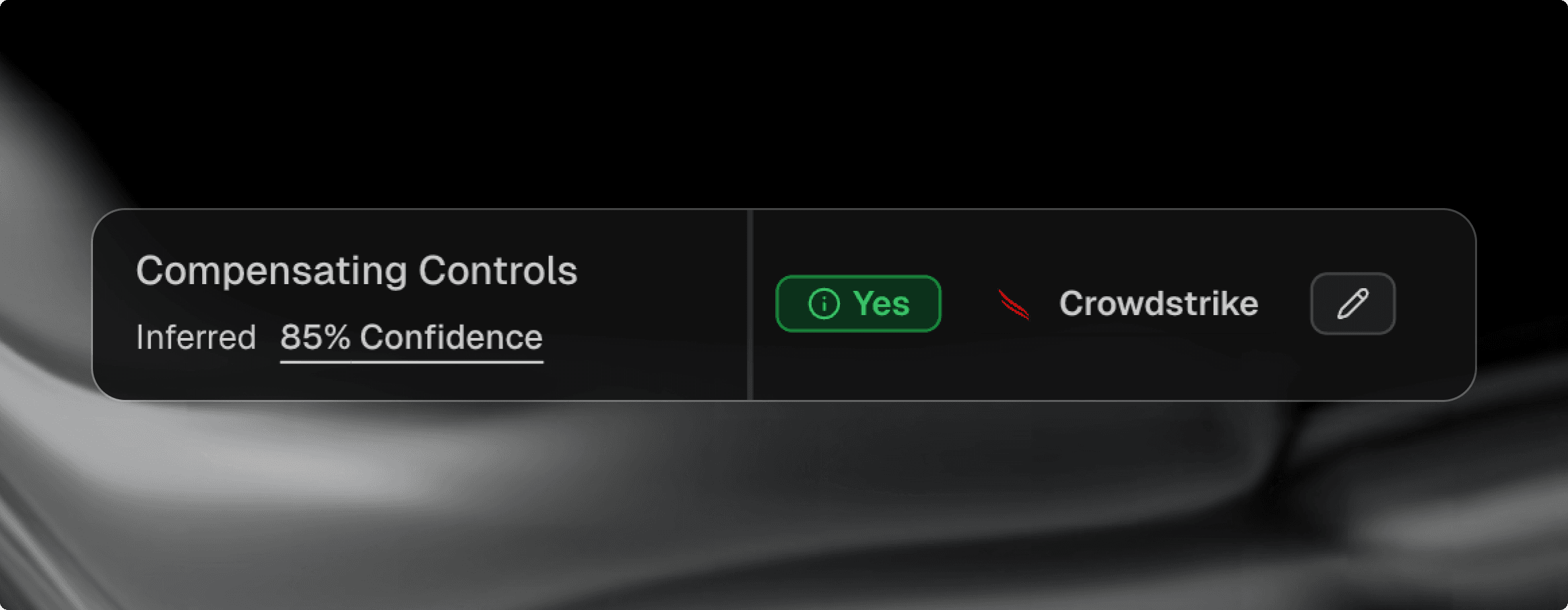
This matters most during audits and risk reviews. When a compliance stakeholder asks "how do we know this vulnerability is mitigated?", you need to point to something concrete. Now you can show the control, its source, and the assets it covers, all within the knowledge base. No more toggling between tools or manually cross-referencing spreadsheets to build that picture.
Apply complex knowledge base filters using plain English
We've expanded the natural language filter in the knowledge base. You can now type queries like "show me critical vulnerabilities on Windows servers without a patch available" and get filtered results directly, without building the filter manually.
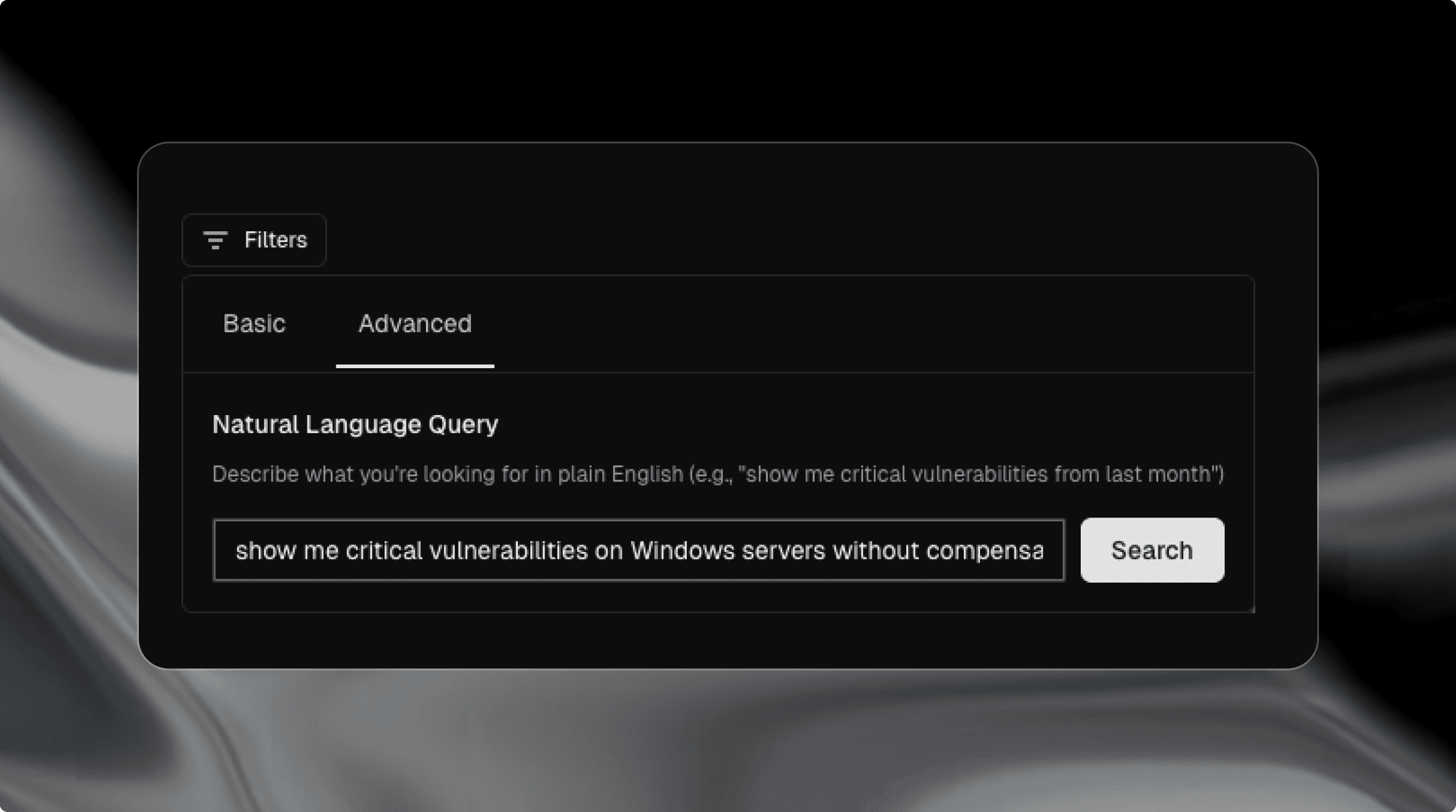
The previous version of this feature handled basic lookups well. This update pushes it further into the kinds of compound, multi-condition queries that analysts actually need to run day-to-day. Instead of clicking through dropdown menus to set severity, OS type, and patch status one at a time, you describe what you're looking for and the system builds the filter.
This is especially useful for team members who don't live in the knowledge base every day. A manager checking on a specific risk area, or a new analyst getting oriented, can get to the answer without memorizing the filter structure. And for power users, it's just faster.
—————————————————————————————
We’re constantly evolving Cogent to help security teams work faster and smarter. These updates are live now. If you'd like to see more, contact us to schedule a live demo.